Accessibility Audit — aaronsnowberger.com
Date: 2026-04-30
Auditor: Claude Code (automated static analysis)
Standard: WCAG 2.1 AA
Site type: Jekyll static site — personal portfolio / press kit
Summary
| Category | Issues Found | Fixed | Manual Review Needed |
|---|---|---|---|
| Skip link | 1 | 1 | — |
| Focus styles | 2 | 2 | — |
| Language attribute | 0 | — | — |
| Landmark roles | 4 | 4 | — |
| Navigation ARIA | 5 | 5 | — |
| Heading hierarchy | 0 | — | — |
| Images / alt text | 3 | 3 | Color contrast (manual) |
| Decorative elements | 8 | 8 | — |
| Interactive elements | 9 | 9 | — |
| Link text (vague) | 6 | 6 | — |
| Forms | 0 | — | — |
| Mobile menu | 2 | 2 | — |
| Color contrast | — | — | Manual required |
rel security |
7 | 7 | — |
| React JSX leak | 1 | 1 | — |
| **Total issues found: 48 | Fixed: 48 | Requires manual testing: color contrast** |
1. Skip Link
Issue
No skip-to-content link existed. Keyboard-only users had to tab through the entire navigation on every page.
Fix Applied
- Added
<a class="skip-link" href="#main-content">Skip to main content</a>as the first child of<body>in_layouts/default.html. - Wrapped page content in
<main id="main-content">. - Added
.skip-linkCSS inassets/css/main.css— visually hidden until focused, then slides down from the top.
File: _layouts/default.html, assets/css/main.css
Status: FIXED
2. Focus Styles
Issue
Neither main.css nor cv.css defined any :focus or :focus-visible styles. The browser default focus ring was the only indicator — thin, low-contrast, and overridden by outline:none resets on many elements.
Fix Applied
Added to assets/css/main.css:
:focus-visible {
  outline: 2px solid var(--teal, #2dd4bf);
  outline-offset: 3px;
  border-radius: 4px;
}
:focus:not(:focus-visible) { outline: none; }
Added equivalent scoped rules to assets/css/cv.css for the CV page.
Files: assets/css/main.css, assets/css/cv.css
Status: FIXED
3. Language Attribute
Issue
None — the <html> element in _layouts/default.html correctly uses lang="en" and _config.yml sets lang: "en". The CV layout hardcodes lang="en" which is correct.
Status: PASS (no action needed)
4. Landmark Roles
Issues Found
<main>landmark was absent — all page content was a raw `
Aaron
Snowberger
AI Researcher & CS Educator bridging East–West technology at five Korean universities. Ph.D. in Information and Communications Engineering · MFA in Media Design. AI 연구자 & CS 교육자 — 다섯 개 한국 대학에서 동서양 기술 교육을 연결합니다. 정보통신공학 박사 · 미디어 디자인 석사.
Ready-to-use biographies 즉시 사용 가능한 자기소개
Copy any version below for podcasts, conference programs, paper author bios, LinkedIn, or press releases. 팟캐스트, 학회 프로그램, 논문 저자 소개, LinkedIn, 보도자료 등에 바로 사용할 수 있습니다.








Aaron Snowberger is an American AI researcher and computer science educator lecturing at five universities in Jeonju, South Korea. His research focuses on Physical AI, computer vision, and handwritten character recognition — with a particular interest in bridging East–West perspectives in technology education.
에런 스노버거 박사는 전주 소재 5개 대학에서 강의하는 미국인 AI 연구자 겸 컴퓨터공학 교육자입니다. 피지컬 AI, 컴퓨터 비전, 필기 문자 인식을 연구하며, 동서양 기술 교육의 연결에 관심을 갖고 있습니다.
Aaron Snowberger is an American AI researcher and computer science educator based in Jeonju, South Korea, where he lectures at five universities. He holds a Ph.D. in Information and Communications Engineering (specializing in Computer Vision and AI), an MFA in Media Design, and a B.S. in Computer Science.
His research sits at the intersection of Physical AI, computer vision, and CS education — with a focus on handwritten character recognition, digital twin simulation, and cross-cultural technology pedagogy. He is a co-founding member of the Korea Society for Physical AI (KSPAI).
에런 스노버거 박사는 전주 소재 5개 대학에서 강의하는 미국인 AI 연구자이자 컴퓨터공학 교육자입니다. 정보통신공학 박사(컴퓨터 비전·AI 전공), 미디어 디자인 석사, 컴퓨터공학 학사 학위를 보유하고 있습니다. 피지컬 AI, 컴퓨터 비전, CS 교육의 교차점을 연구하며, 한국 피지컬 AI 학회(KSPAI) 공동 창립 멤버입니다.
Aaron Snowberger (에런 스노버거) is an American AI researcher, computer science educator, and multimedia designer based in Jeonju, South Korea. He lectures in computer science, programming, IoT, and circuits at five Korean universities, with his primary affiliation at Jeonbuk National University (JBNU).
He holds a Ph.D. in Information and Communications Engineering — specializing in Computer Vision and AI — alongside an MFA in Media Design and a B.S. in Computer Science. His research focuses on Physical AI, handwritten character recognition (including an original Hangul pangram dataset), and digital twin simulation in education.
A co-founding member and webmaster of the Korea Society for Physical AI (KSPAI), Aaron's work bridges technical rigor with pedagogical innovation across East–West cultural contexts. Originally from Wyoming, USA, he has spent over two decades building, tinkering, and teaching in South Korea.
에런 스노버거 박사는 전주 소재 5개 한국 대학에서 강의하는 AI 연구자이자 교육자입니다. 정보통신공학 박사, 미디어 디자인 석사, 컴퓨터공학 학사를 보유하고 있으며, 한글 팡그램 데이터셋 개발, 피지컬 AI 교육과정 설계, 디지털 트윈 시뮬레이션 등을 연구합니다. 한국 피지컬 AI 학회(KSPAI) 공동 창립 멤버이며, 미국 와이오밍 출신으로 20년 이상 한국에서 활동해왔습니다.
Aaron Snowberger is an adjunct lecturer in Computer Science at Jeonbuk National University and four additional Korean universities, and a co-founding member of the Korea Society for Physical AI (KSPAI). He received his Ph.D. in Information and Communications Engineering from [University Name], specializing in Computer Vision and AI, an MFA in Media Design, and a B.S. in Computer Science.
His research interests include Physical AI methodology, handwritten character recognition (Hangul, Cherokee, and Manchu scripts), digital twin simulation in education, and cross-cultural technology perception. He is currently preparing an original Hangul pangram dataset targeting Data in Brief and IEEE Access.
에런 스노버거 박사는 전북대학교 외 4개 한국 대학 시간강사이자 한국 피지컬 AI 학회(KSPAI) 공동 창립 멤버입니다. 정보통신공학 박사(컴퓨터 비전·AI 전공), 미디어 디자인 석사, 컴퓨터공학 학사를 보유합니다. 연구 분야: 피지컬 AI 방법론, 필기 문자 인식(한글·체로키·만주 문자), 디지털 트윈 교육, 기술 인식의 문화 간 비교.
Aaron Snowberger is an AI researcher, CS educator, and cross-cultural technologist who has spent over two decades living and working in South Korea. Originally from Wyoming, USA, Aaron brings a rare East–West perspective to conversations about AI education, Physical AI, and the future of human–machine collaboration.
He lectures at five Korean universities and co-founded the Korea Society for Physical AI. He holds a Ph.D. in Information and Communications Engineering (Computer Vision/AI), an MFA in Media Design, and a B.S. in Computer Science. Whether wiring IoT circuits, building handwritten character recognition models, or leading university lectures in Korean — Aaron's work lives at the creative edge of technology and education.
에런 스노버거 박사는 20년 이상 한국에서 활동해온 AI 연구자이자 CS 교육자입니다. 미국 와이오밍 출신으로, AI 교육·피지컬 AI·인간-기계 협업에 대한 동서양의 시각을 연결합니다. 5개 한국 대학에서 강의하며, 한국 피지컬 AI 학회 공동 창립 멤버입니다.
Professional headshots 전문 프로필 사진
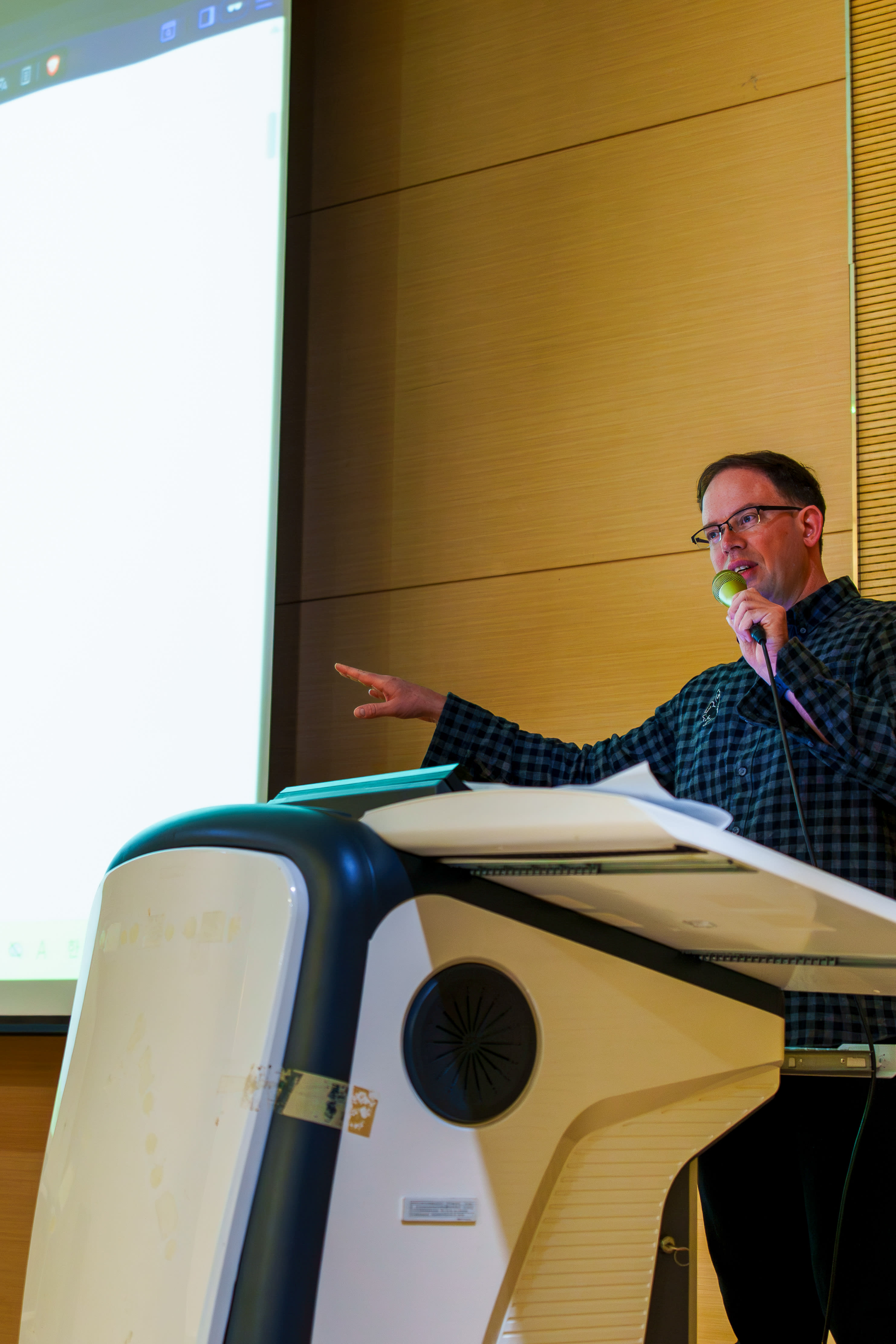
High-resolution photos cleared for press, editorial, and promotional use. Click any image to view full size. 보도, 편집, 홍보 목적으로 사용 가능한 고해상도 사진입니다. 클릭하면 크게 볼 수 있습니다.

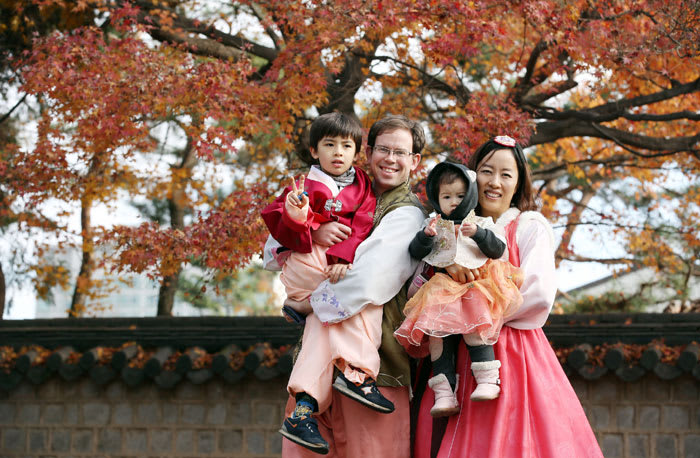

For higher-resolution files or usage questions, contact Aaron directly. 고해상도 파일이나 사용 문의는 이메일로 연락해주세요.
Logos & downloadables 로고 & 다운로드 자료
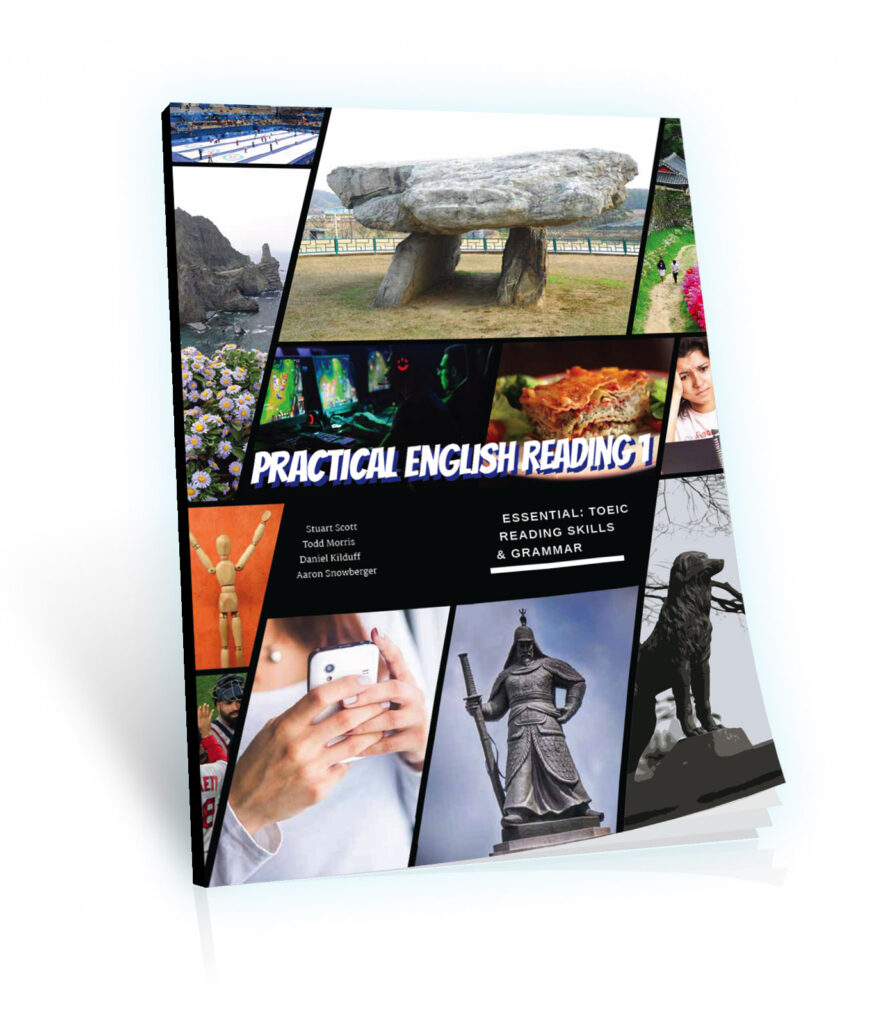
Everything a designer, event organizer, or podcast producer needs in one place. 디자이너, 행사 기획자, 팟캐스트 제작자에게 필요한 모든 자료를 한곳에.
Find me online온라인에서 찾기
All active platforms and professional profiles in one place. 모든 활성 플랫폼과 전문 프로필을 한곳에서.
What I can do for you 제가 도울 수 있는 것
Twenty years at the intersection of technology, language, and design in South Korea — available for select engagements. 20년간 한국에서 기술·언어·디자인의 교차점에서 쌓은 전문성을 제공합니다.



All services are available in English and Korean. Rates available on request —
contact Aaron with a brief description of your project.
모든 서비스는 한국어·영어로 제공됩니다. 프로젝트 내용을 간략히 적어 이메일로 문의해 주세요.
Trusted by clients & academics 고객과 학자들이 신뢰합니다
Feedback from professors, design clients, and collaborators across two decades of work. 20년간의 작업에 대한 교수, 디자인 고객, 협력자들의 평가.
In the news뉴스 및 출연
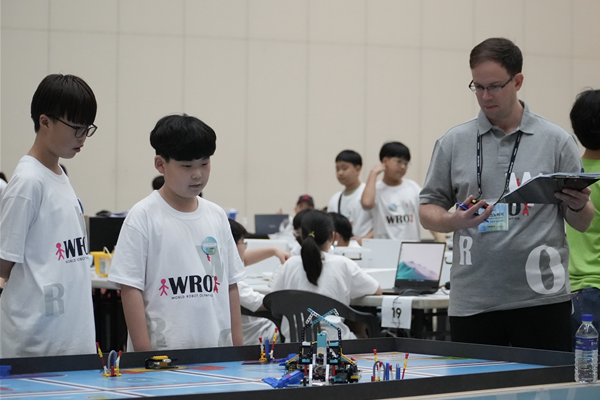
Podcast appearances, invited talks, and press coverage. A curated selection — visit aaron.kr for the full archive. 팟캐스트 출연, 초청 강연, 보도 자료. 전체 목록은 aaron.kr에서 확인하세요.


Booking & inquiries 예약 & 문의
For podcast appearances, conference invitations, press requests, collaboration proposals, or media asset inquiries. 팟캐스트 출연, 학회 초청, 보도자료, 협업 제안 또는 미디어 자산 문의.
` dump with no wrapping <main>.
<footer>lackedaria-label.<nav id="mainnav">lackedaria-label— screen readers announce “navigation” twice (main nav + mobile nav) with no differentiation.- Mobile
<nav class="mob-menu">also lackedaria-label.
Fixes Applied
- Added
<main id="main-content">wrapper in_layouts/default.html. - Added
aria-label="Site footer"to<footer>in_includes/footer.html. - Added
aria-label="Main navigation"to#mainnavandaria-label="Mobile navigation"to.mob-menuin_includes/nav.html.
Files: _layouts/default.html, _includes/footer.html, _includes/nav.html
Status: FIXED
5. Navigation ARIA
Issues Found
- Hamburger button:
aria-label="Menu"existed butaria-expandedandaria-controlswere missing — screen readers could not tell whether the menu was open or closed. - Aurora toggle button: Had
aria-pressed(good) andtitlebut noaria-label—titleis not reliably announced. - Language toggle button: No
aria-label— “한국어” text is meaningful in Korean only; English-language screen readers would struggle. - Theme toggle button: No
aria-label— the sun glyph☀has no screen reader label. - Nav logo link: No
aria-label— announced as “Aaron Snowberger , Ph.D.” which is acceptable but can be improved.
Fixes Applied
- Hamburger: added
aria-expanded="false"andaria-controls="mobMenu". Addedaria-hidden="true"to each decorative<span>inside. - Aurora button: added
aria-label="Toggle aurora effect". - Language button: added
aria-label="Switch to Korean". - Theme button: added
aria-label="Switch to light mode". - Nav logo: added
aria-label="Aaron Snowberger — home".
Note: The JS in main.js that toggles the hamburger should also update aria-expanded to "true" when the menu opens and back to "false" when it closes. This is a JavaScript change — verify and update main.js accordingly.
File: _includes/nav.html
Status: FIXED (HTML); JS update for aria-expanded state toggle needed in main.js
6. Heading Hierarchy
Issue
None — the heading hierarchy is correct throughout:
<h1>appears once per page (hero section / CV header).<h2>is used for all section titles (consistent.sec-title).- CV page uses
<h3>correctly for sub-sections under<h2>. - No levels are skipped.
Status: PASS (no action needed)
7. Images / Alt Text
7a. hangul-papers.jpg (2.1 MB)
This file is referenced only as a CSS background-image on the footer’s .ms::before pseudo-element (opacity 0.08, mix-blend-mode: multiply). It is purely decorative and is never in an <img> tag.
Status: PASS — CSS background images do not need alt text
7b. Hero portrait image
_includes/hero.html had alt="Aaron Snowberger lecturing" on the hero background portrait. The image serves as an atmospheric decorative overlay — the name and title are announced via the <h1> immediately below. The enclosing .hero-portrait div is an absolute-positioned visual layer.
Fix Applied: Changed to alt="" with role="presentation" and marked the container aria-hidden="true" to suppress the entire decorative layer from the accessibility tree.
File: _includes/hero.html
Status: FIXED
7c. Services section image
_includes/services.html used alt="" — the card title is redundant as alt text (not descriptive of the image content). Changed to alt="" so that data files can provide a proper descriptive alt string via img_alt: key, falling back to the title if not set.
Recommendation: Add img_alt: "Descriptive alt text" to each service entry in _data/services.yml that has an image.
File: _includes/services.html
Status: FIXED (template); data file update recommended
8. Decorative Elements / aria-hidden
Many decorative SVG icons and UI chrome elements were visible to the accessibility tree, causing verbose and redundant announcements.
Fixes Applied
| Element | File | Fix |
|---|---|---|
Progress bar #prog |
_layouts/default.html |
Added aria-hidden="true" |
Hero background div.hero-bg |
_includes/hero.html |
Added aria-hidden="true" |
| Hero scroll indicator | _includes/hero.html |
Added aria-hidden="true" |
| Asset card icon divs + SVGs | _includes/assets-section.html |
Added aria-hidden="true" to container and each SVG |
| Download SVG in assets | _includes/assets-section.html |
Added aria-hidden="true" |
| Service icon SVGs | _includes/services.html |
Added aria-hidden="true" |
| Testimonial arrow SVGs | _includes/testimonials.html |
Added aria-hidden="true" |
| Testimonial progress bar | _includes/testimonials.html |
Added aria-hidden="true" |
| Photo view/download SVGs | _includes/photos.html |
Added aria-hidden="true" |
| All platform logo SVGs | _includes/links.html |
Added aria-hidden="true" to container and each SVG |
Lightbox close glyph ✕ |
_includes/lightbox.html |
Wrapped in <span aria-hidden="true"> |
| Lightbox download SVG | _includes/lightbox.html |
Added aria-hidden="true" |
| CV back-link arrow SVG | _layouts/cv.html |
Added aria-hidden="true" |
| CV print button SVG | _layouts/cv.html |
Added aria-hidden="true" |
Hamburger <span> bars |
_includes/nav.html |
Added aria-hidden="true" to each |
Bio copy-button glyphs ⧉ ⇌ |
_includes/bio.html |
Wrapped in <span aria-hidden="true"> |
Status: FIXED
9. Interactive Elements — Missing aria-label
9a. Lightbox close button
<button id="lightboxClose">✕</button> — the ✕ glyph has no accessible name.
Fix: Added aria-label="Close image viewer" and wrapped glyph in aria-hidden span.
9b. Lightbox dialog
The lightbox <div class="modal-bg"> is a modal dialog but lacked role="dialog", aria-modal, and aria-label.
Fix: Added role="dialog" aria-modal="true" aria-label="Image lightbox".
9c. Bio copy buttons
Three <button class="copy-btn"> elements had icon glyphs as primary labels.
Fix: Added descriptive aria-label to each: “Copy English bio”, “View Korean bio”, “Copy Korean bio”.
9d. Photo view button
<button class="photo-btn photo-btn-view"> had visual text (“View”) but no photo-specific context.
Fix: Added aria-label="View full size: ".
9e. Photo download link
<a class="photo-btn photo-btn-dl"> lacked context for which photo.
Fix: Added aria-label="Download ".
9f. QR code boxes
<div class="qr-box-sm"> elements render QR codes via JS but had no accessible label or role.
Fix: Added role="img", aria-label="QR code for : ", and tabindex="0" so keyboard users can focus them.
9g. CV theme button
<button id="themeBtn">☀</button> — icon-only, no label.
Fix: Added aria-label="Switch to light mode".
9h. CV print button
Had text “Print / Save PDF” but no aria-label. The existing text is adequate — added aria-label anyway for explicitness, and marked the SVG aria-hidden.
9i. Aurora button
Had title="Aurora" which is not reliably surfaced. Added aria-label="Toggle aurora effect".
Files: _includes/lightbox.html, _includes/bio.html, _includes/photos.html, _includes/assets-section.html, _layouts/cv.html, _includes/nav.html
Status: FIXED
10. Link Text — Vague or Context-Free
Issues Found
Several links lacked descriptive labels:
- Footer social links (LinkedIn, GitHub, etc.) open in new tabs with no announcement.
- Media cards open external URLs with no context that they open externally.
- Media “See all” CTA had no destination context.
- Link cards (platform grid) had no announced destination.
- CV back link announced only “aaronsnowberger.com”.
Fixes Applied
- All footer external links: added
aria-label="[Name] (opens in new tab)"andrel="noopener noreferrer". - Media cards: added
aria-label=" — (opens in new tab)". - Media “See all”: added
aria-label="See all media appearances on aaron.kr (opens in new tab)". - Link cards: added
aria-label=" — (opens in new tab)". - CV back link: added
aria-label="Back to aaronsnowberger.com".
Files: _includes/footer.html, _includes/media.html, _includes/links.html, _layouts/cv.html
Status: FIXED
11. Forms
Issue
No HTML forms exist. The “Contact” section (_includes/contact.html) uses <a href="mailto:..."> links and CTA buttons — no <input>, <textarea>, or <form> elements.
Status: PASS (no action needed)
12. Bio Tab Panel — ARIA Tabs Pattern
Issue
The bio section used .btab buttons and .bio-pane divs to implement a tab interface without ARIA roles. Screen readers could not identify this as a tab widget.
Fix Applied
- Added
role="tablist"andaria-label="Bio length options"to the nav container. - Added
role="tab",aria-selected,aria-controls, andidattributes to each tab button. - Added
role="tabpanel",aria-labelledby, andhiddento each pane (first pane has nohidden).
Note: The JS in main.js that switches tabs should also update aria-selected on buttons and toggle the hidden attribute on panels to maintain correct ARIA state.
File: _includes/bio.html
Status: FIXED (HTML); JS update recommended in main.js
13. Mobile Menu
Issues Found
aria-expandedwas missing on the hamburger button — screen readers had no open/closed state.aria-controlswas missing — no association between trigger and menu.
Fix Applied
- Added
aria-expanded="false"andaria-controls="mobMenu"to the hamburger. - The mobile menu
<nav>already hasid="mobMenu". - Added
aria-label="Mobile navigation"to the mobile nav.
Note (JS required): When the hamburger is clicked and the menu opens, main.js must toggle aria-expanded between "true" and "false" on the #ham button. Without this, the HTML fix only sets the initial state correctly.
File: _includes/nav.html
Status: FIXED (HTML initial state); JS toggle update needed in main.js
14. React JSX Leak in Footer
Issue
_includes/footer.html used <div className="foot-center"> — JSX syntax (className) instead of HTML (class). This caused the attribute to be rendered literally as className="foot-center" in the browser, meaning the CSS rule .foot-center { ... } never matched. The Wyoming cowboy logo was unstyled.
Fix Applied
Changed className to class.
File: _includes/footer.html
Status: FIXED
15. Color Contrast
Analysis (requires manual/tool verification)
The site uses CSS custom properties via [data-theme] so exact contrast ratios depend on the active theme.
Dark theme (default):
| Color pair | Use | Approx ratio | WCAG AA (normal text 4.5:1 / large 3:1) |
|————|—–|————-|——————————————|
| --t1 #e6efec on --bg #0c0f0e | Body text | ~16:1 | PASS |
| --t2 #7ea89e on --bg #0c0f0e | Secondary text | ~5.5:1 | PASS (normal) |
| --t3 #3e5852 on --bg #0c0f0e | Tertiary text | ~2.2:1 | FAIL — used for labels, captions |
| --teal #2dd4bf on --bg #0c0f0e | Accent, links | ~7.5:1 | PASS |
| #7ea89e on #0c0f0e (hero sub) | Hero subtitle | ~5.5:1 | PASS |
| rgb(62 88 82 / 90%) on #0c0f0e (scroll indicator) | Scroll label | ~2.5:1 | FAIL — but aria-hidden, decorative |
Light theme:
| Color pair | Use | Approx ratio | WCAG AA |
|————|—–|————-|———|
| --t1 #101814 on --bg #f8faf9 | Body text | ~18:1 | PASS |
| --t2 #3e5750 on --bg #f8faf9 | Secondary text | ~5.8:1 | PASS |
| --t3 #8aa29b on --bg #f8faf9 | Tertiary text | ~2.9:1 | FAIL — used for labels, captions |
| --teal #0a8c78 on --bg #f8faf9 | Links | ~4.6:1 | PASS (borderline) |
Recommendations (not auto-fixed — requires design decision)
--t3tertiary text fails contrast in both themes when used for readable content (stat card keys, photo specs, footer info). Consider darkening to approximately#5c7a72(dark theme) and#4a6861(light theme).- Run the site through the Accessibility Insights or axe DevTools browser extension to confirm exact ratios after rendering.
Status: MANUAL REVIEW REQUIRED
16. Remaining Recommendations (Not Auto-Fixed)
16a. JavaScript updates needed in main.js
The following ARIA patterns require corresponding JS updates to maintain correct dynamic state:
- Hamburger
aria-expanded: Toggle between"true"/"false"when#mobMenuopens/closes. - Lang button
aria-label: Update to “Switch to English” when the page is in Korean mode. - Theme button
aria-label: Update to “Switch to dark mode” when the theme is light. - Bio tab
aria-selected+ panelhidden: Update as tabs switch.
16b. <html lang> on CV page
_layouts/cv.html hardcodes lang="en" — this is correct for a CV in English, but if Korean content is ever added to the CV, this should use the same dynamic pattern as default.html.
16c. Image CDN lazy loading
The hero portrait (Cloudinary CDN) and any photo gallery images should add loading="lazy" where not present to avoid blocking LCP for images below the fold. The hero portrait is above-the-fold, so it should use loading="eager" (the default) or fetchpriority="high".
16d. <title> on each page
Already correct — head.html constructs <title>Accessibility Audit — aaronsnowberger.com · Aaron Snowberger, Ph.D.</title> correctly.
16e. Reduced-motion
No @media (prefers-reduced-motion: reduce) rule exists. The site has multiple CSS animations (.rise, ring-spin, scrollpulse, fill-slide). Consider adding:
@media (prefers-reduced-motion: reduce) {
  *, *::before, *::after {
    animation-duration: 0.01ms !important;
    transition-duration: 0.01ms !important;
  }
}
Files Modified
| File | Changes |
|---|---|
_layouts/default.html |
Skip link, <main> wrapper, aria-hidden on progress bar |
_layouts/cv.html |
aria-label on theme button, print button, back link; aria-hidden on SVGs |
_includes/nav.html |
aria-label on both navs, nav logo, buttons; aria-expanded + aria-controls on hamburger; aria-hidden on hamburger spans |
_includes/hero.html |
Hero portrait marked decorative; scroll indicator aria-hidden |
_includes/bio.html |
Full ARIA tab pattern; aria-label on copy buttons; aria-hidden on glyphs |
_includes/photos.html |
aria-label on view/download buttons; aria-hidden on SVGs |
_includes/assets-section.html |
aria-hidden on icon divs/SVGs; role="img" + aria-label + tabindex on QR codes |
_includes/links.html |
rel="noopener noreferrer" + aria-label on cards; aria-hidden on all logo SVGs |
_includes/services.html |
aria-hidden on service icon SVGs; improved alt fallback for service images |
_includes/testimonials.html |
aria-hidden on arrow SVGs and progress bar |
_includes/media.html |
rel="noopener noreferrer" + aria-label on media cards and “see all” link |
_includes/footer.html |
Fixed className → class bug; aria-label on footer and footer nav links; rel="noopener noreferrer" on all external links |
_includes/lightbox.html |
role="dialog" + aria-modal + aria-label on modal; aria-label on close button; aria-hidden on SVG |
assets/css/main.css |
Skip link styles; :focus-visible styles |
assets/css/cv.css |
:focus-visible styles scoped to .cv-page |